The three types of virtual tour
When a listing says "virtual tour", it can mean one of three things.
- 360° tour: spherical photos taken at the property with a dedicated camera. The buyer jumps from point to point and turns the view. It shows the home as it was on the day of the shoot.
- Video: a filmed walk-through. It looks good on a phone, but the buyer can’t choose where to look or where to go.
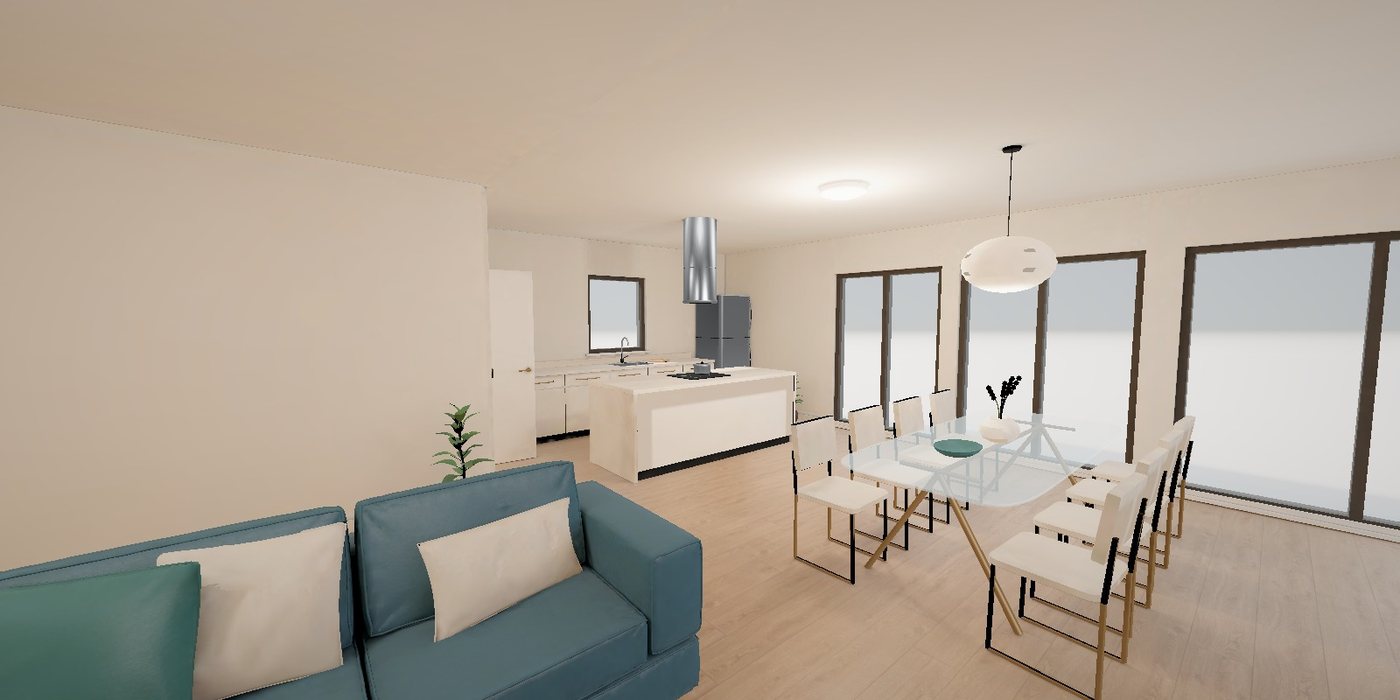
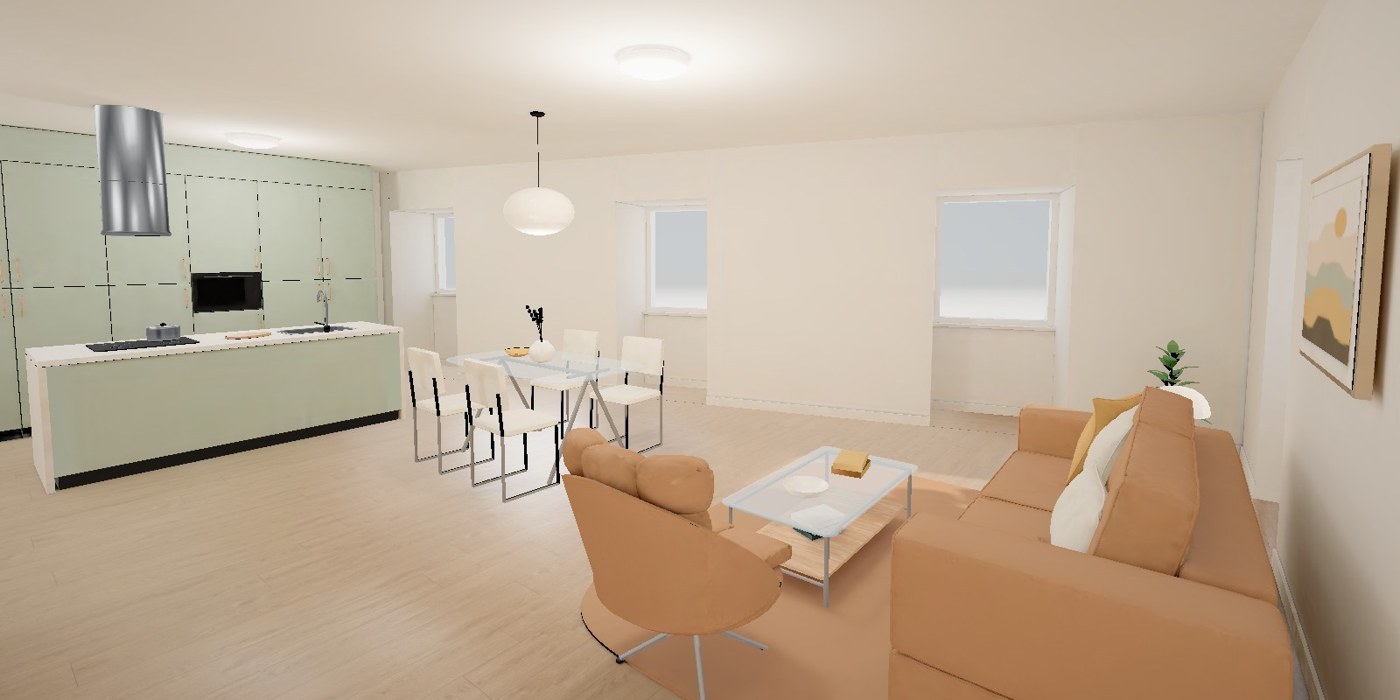
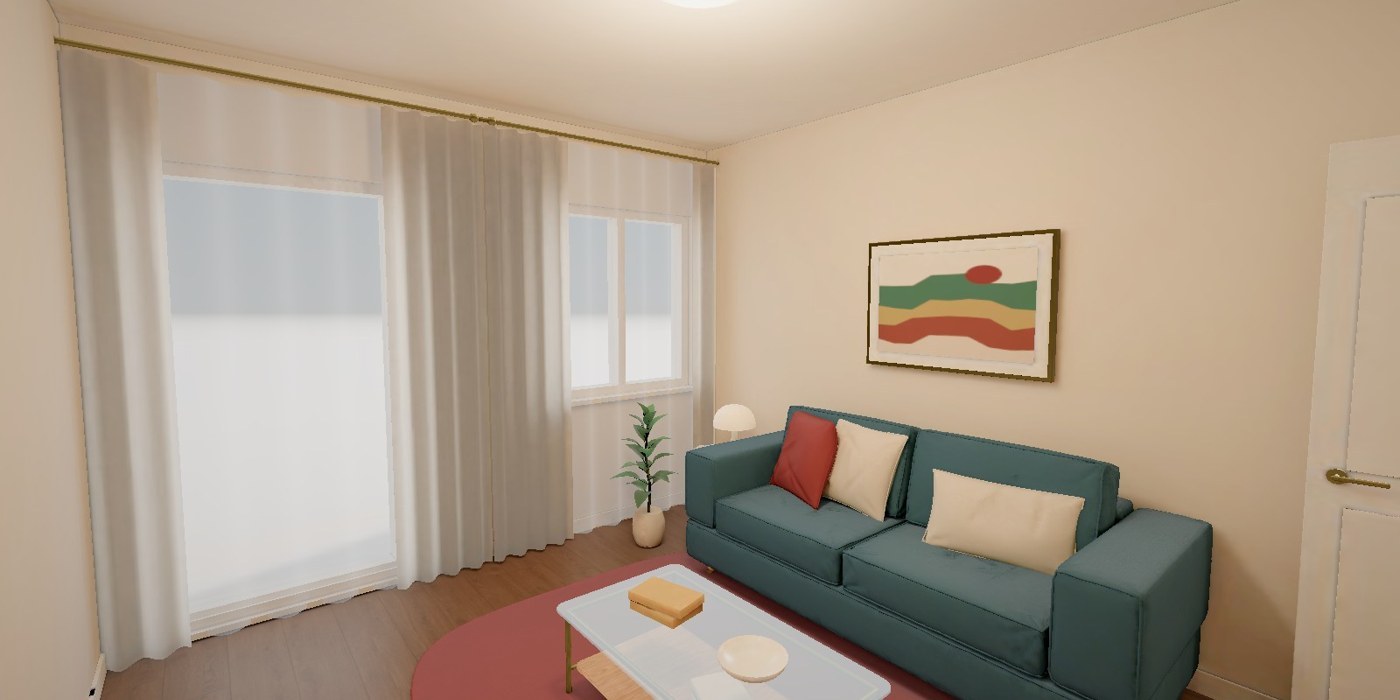
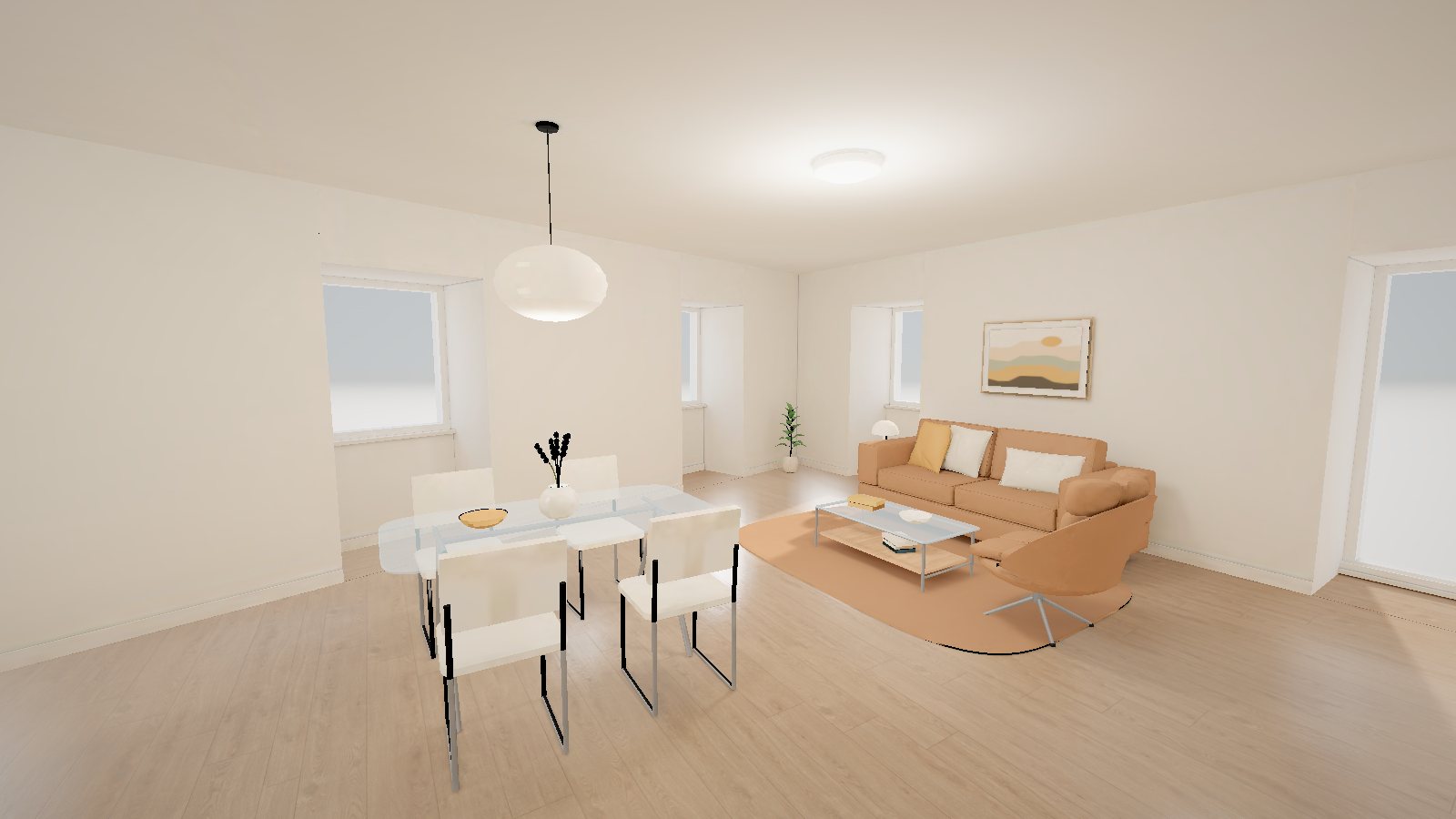
- 3D tour from the floor plan: the home is built in 3D with the floor plan’s measurements, furnished, and the buyer walks through it freely. Nobody needs to go to the property.
When each one fits
A 360° tour makes sense when the home is finished, tidy and well lit, and someone can go there with the camera. In empty homes, homes under works or homes with the owner’s furniture, the result shows exactly that.
A 3D tour made from the floor plan suits the cases where there is nothing to photograph: new developments, homes awaiting renovation, rented or occupied properties, and new listings where no shoot has been booked yet. Because it starts from the floor plan alone, it is ready without any trips.
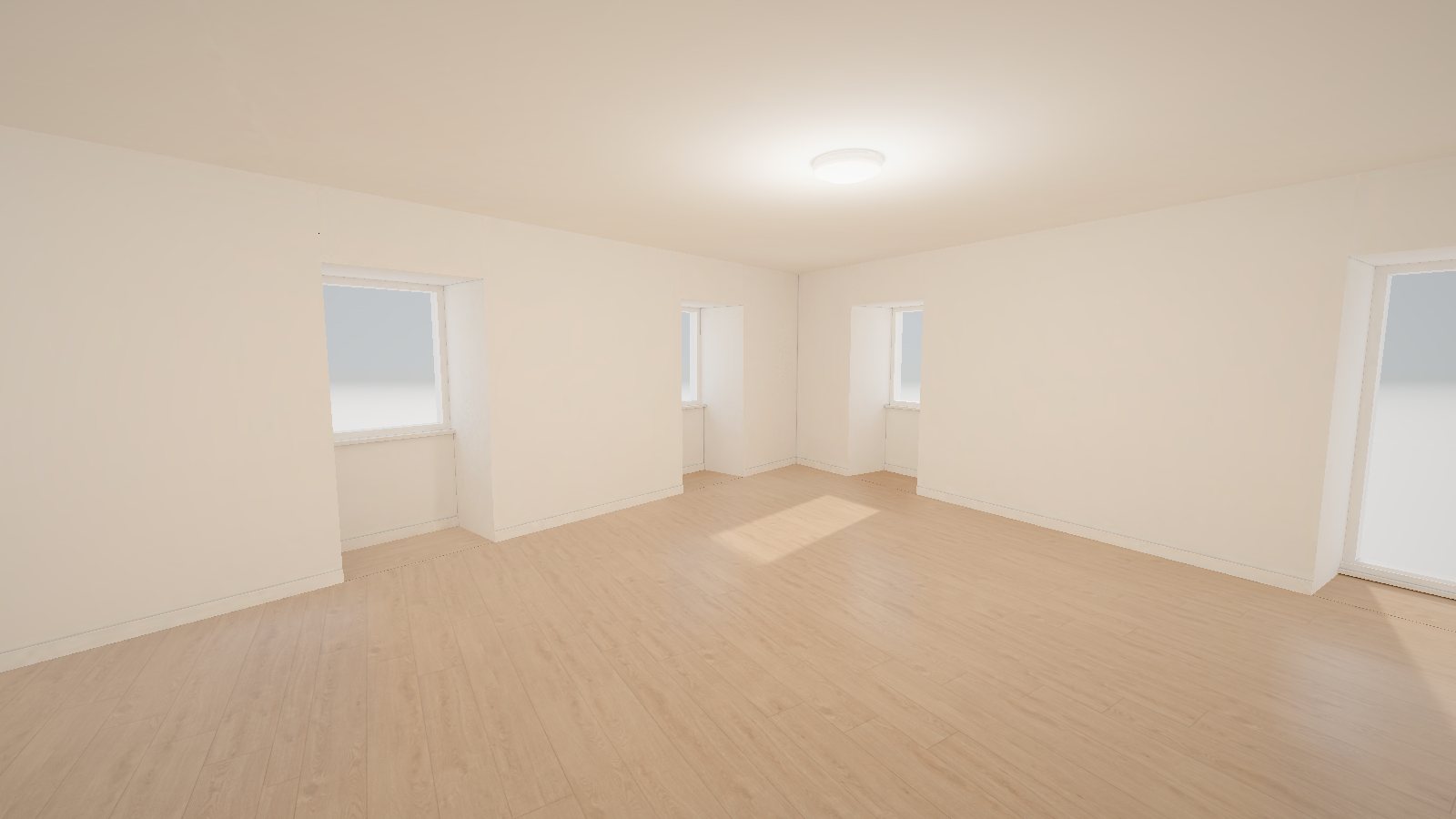
What the buyer sees in a 3D tour
The whole home, to scale: click the floor to walk, drag to look around and change floors by the stairs. The floor plan is always in view, there is a top view like a scale model, and the buyer can switch between the furnished and the empty home.
The decor is a proposal, and the tour says so. What is part of the house (rooms, doors, windows, kitchen, bathrooms and stairs) follows the floor plan and the photos sent.
What a virtual tour costs
A 360° tour means a trip to the property, a camera and often a subscription to the platform that hosts it. The price depends on the area and on the provider.
At Houses 3D, a 3D tour costs €29.90 per property, with no subscription and 12 months of hosting. It is ready 24 hours after the floor plan is confirmed.
Where the tour goes
Each tour has its own address. It can be sent in a message to anyone asking for information, added to the listing and embedded in the property page on the agency’s website. It opens in the browser, on a computer or a phone, with nothing to install.